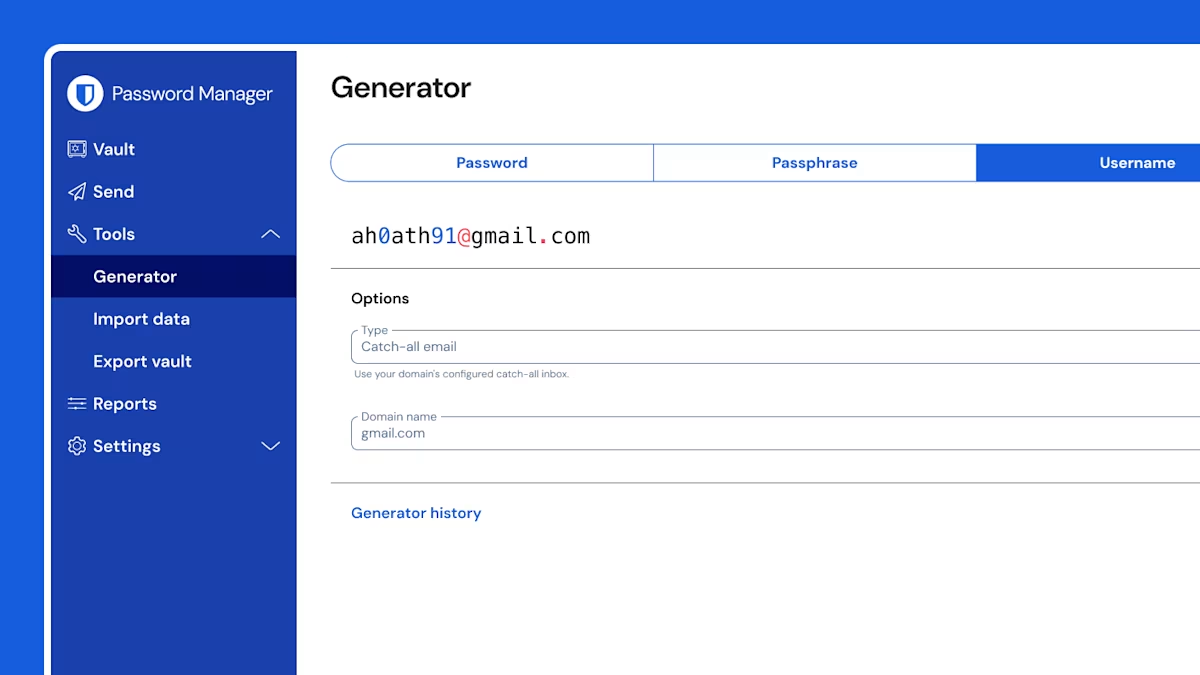
Vaultwarden Features
Integrated TOTP
Vaultwarden integrated TOTPs
which you can use to verify your identity for websites and apps that use two-step login.
Integrated authentication generates six-digit time-based one-time passwords (TOTPs)
using SHA-1 and rotates them every 30 seconds.
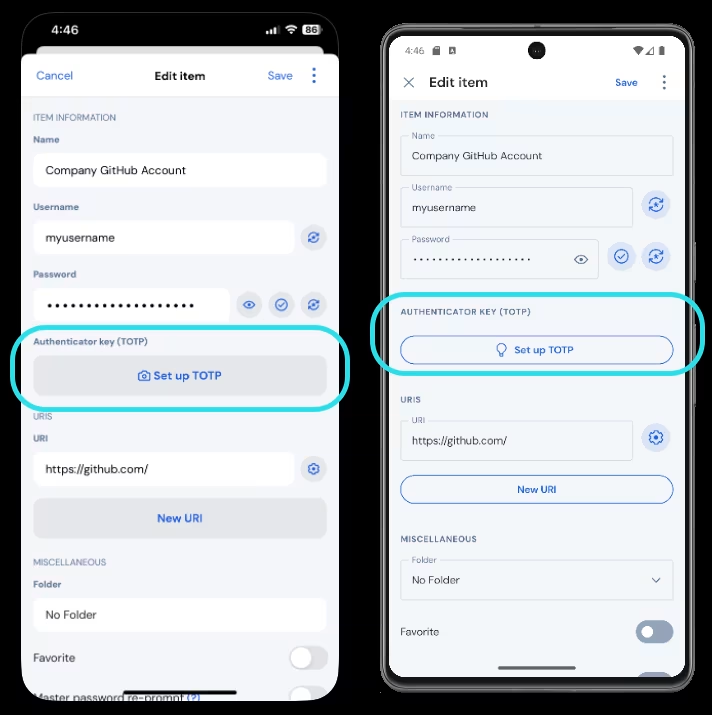
Generate TOTP codes
Edit the vault item for which you want to generate TOTPs. Tap the Set up TOTP button to scan the QR code and tap Save to begin generating TOTPs.
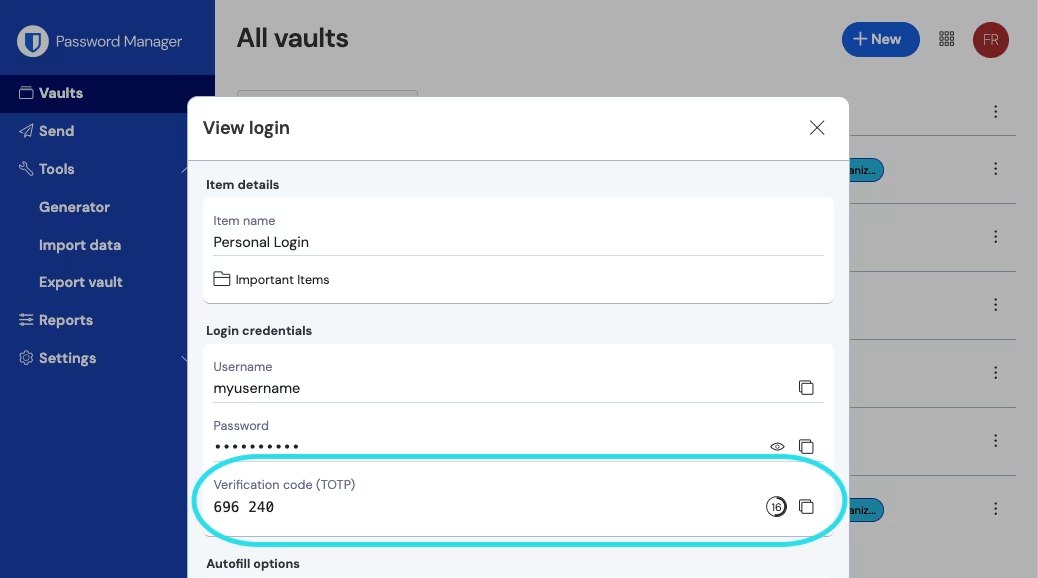
Viewing TOTP codes
All Bitwarden apps display your rotating TOTP code inside the vault item, which can be copied and pasted just like a username or password.
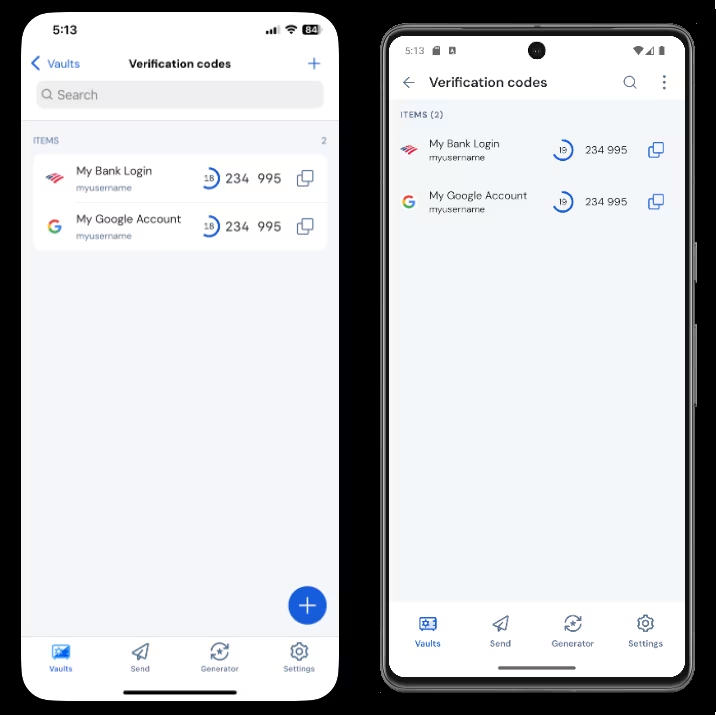
Cross-platform with Unlimited Devices
Download Bitwarden on all devices, access your sensitive information on any device with secure cloud sync.
Web extensions, mobile apps, and desktop apps are all supported.
Web Browser Extensions
Bitwarden protects your online credentials from crafty hackers across all platforms with advanced features and cross-browser support to keep your digital life secure and private.
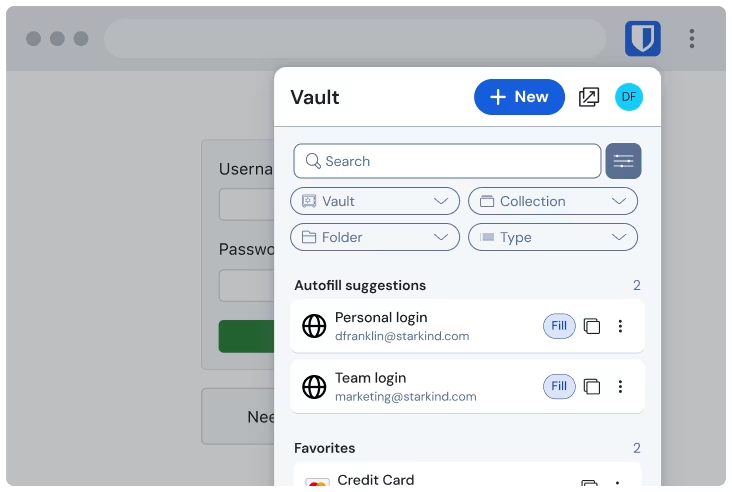
Desktop and Mobile Applications
Install Bitwarden on Windows, macOS, and Linux desktops with native applications. Take your password manager on the go with mobile apps for your phone or tablet.
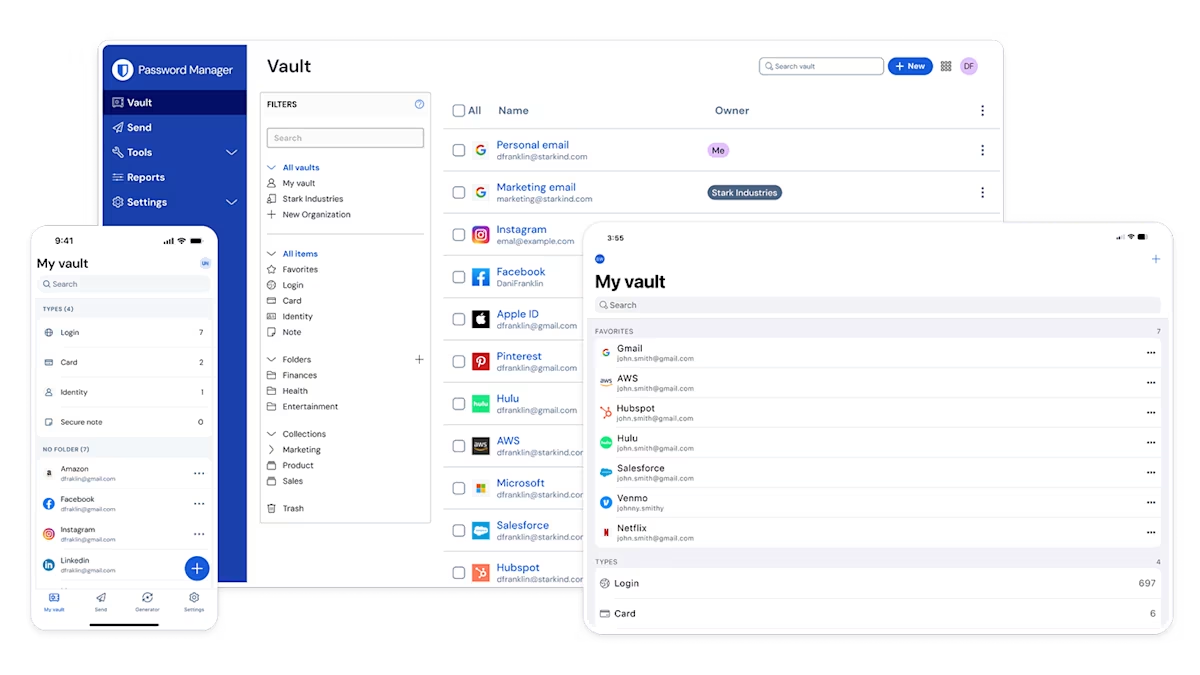
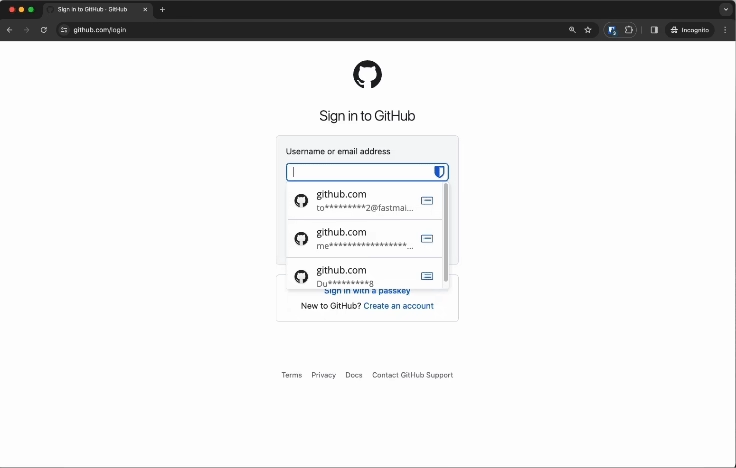
Full Platform Autofill for Mac PC SmartPhone and Browser
The autofill menu is currently available in all supported browsers. Bitwarden autofill also supports
cards, identities, and passkeys.
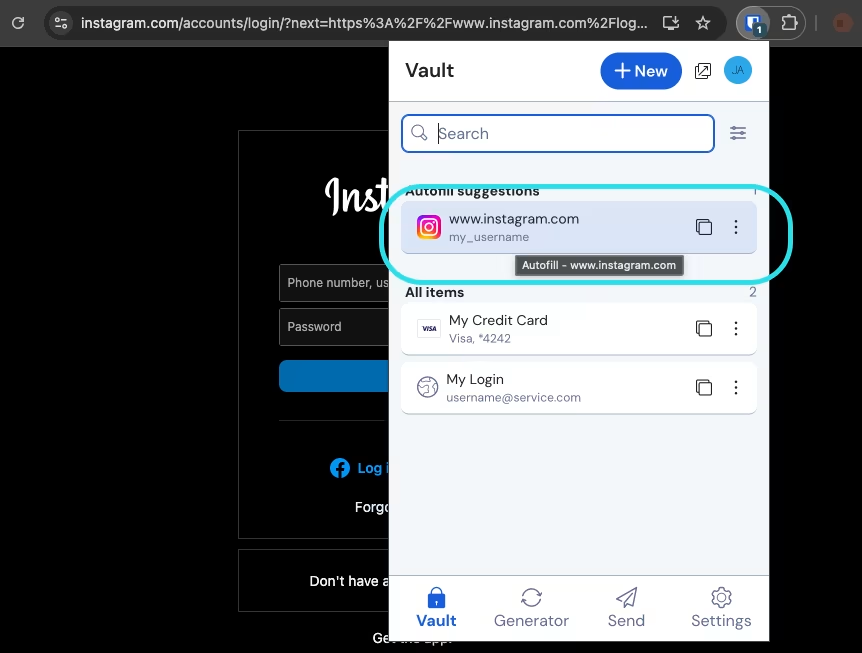
Click items to autofill
Selecting the item card from the Vault view will autofill the item, instead of the Fill button.
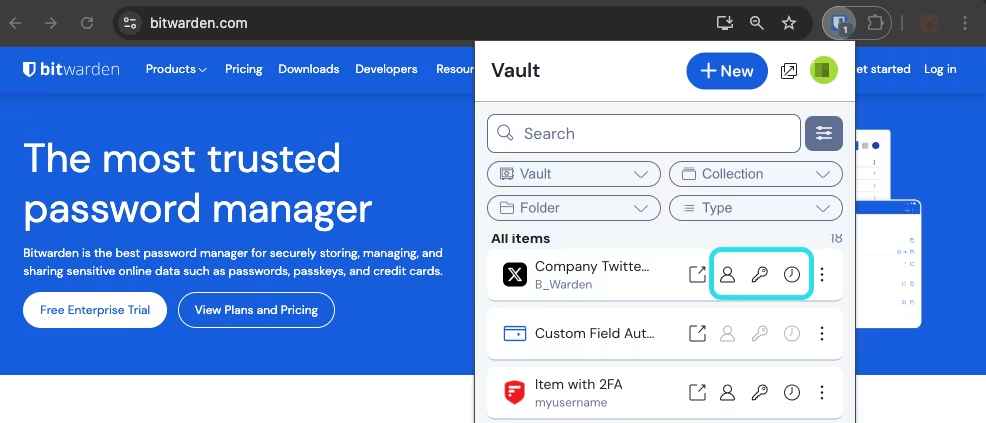
Quick copy actions
Using quick copy action button to copy your username, password, or verification code to the clipboard
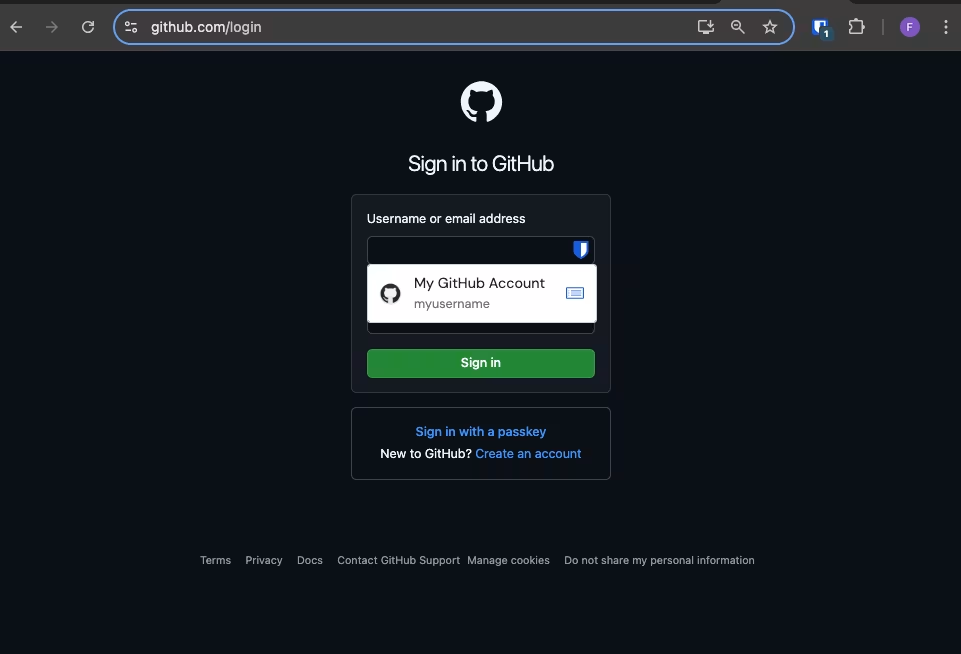
Inline autofill
Using the inline autofill menu to quickly input login credentials, passkeys, and TOTP codes from your vault.
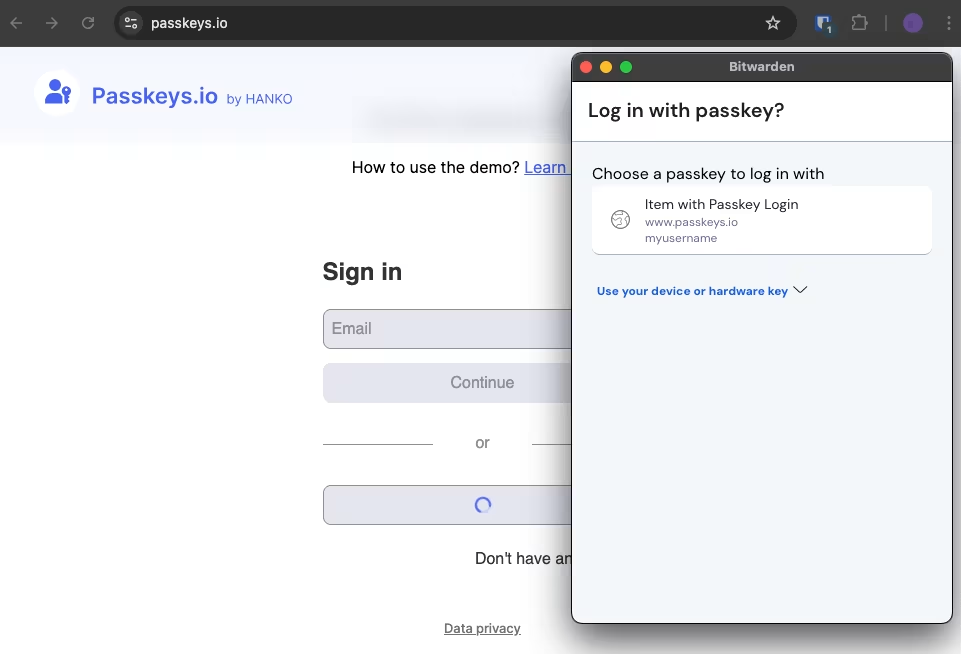
Log in with passkeys
Related passkeys will be displayed in browser extension box, select the passkey and press Confirm.
More Useful Features
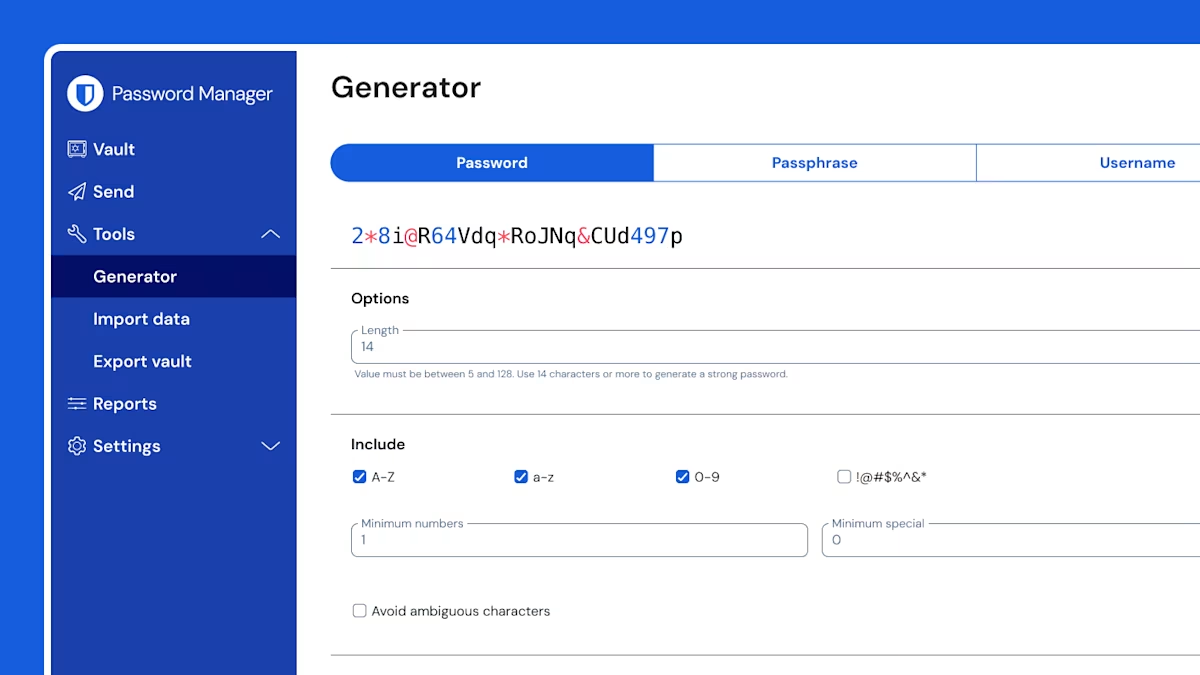
Password Generator
Generate strong passwords and easily store, manage, and share them securely in Bitwarden.
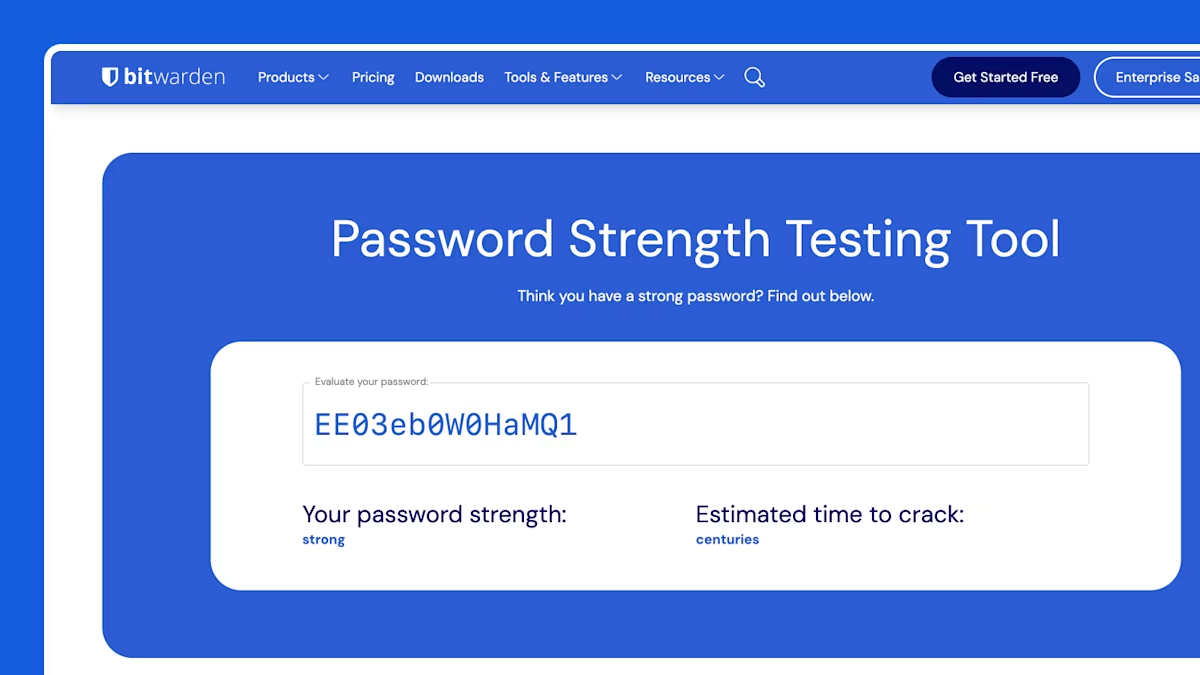
Password Strength Tester
How strong is your password? With vaultwarden you can instantly test your passwords for each accounts
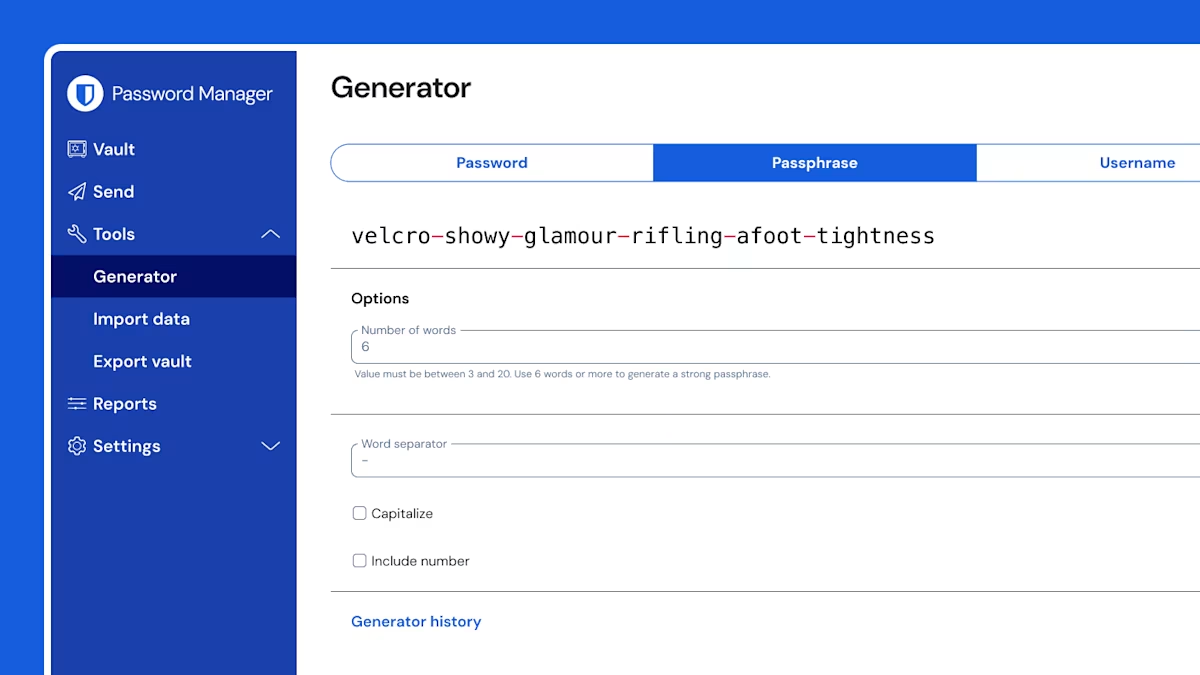
Passphrase Generator
The Passphrase Generator makes it easy to create strong, memorable passphrases that keep your accounts secure.
Username Generator
Create strong usernames and securely store, manage, and share them all in one place with Bitwarden.